Series
Series
Series
Writing a TV season, a trilogy or a set of shorts? Put the stories in a series and they sit together on your Dashboard, under the series name.
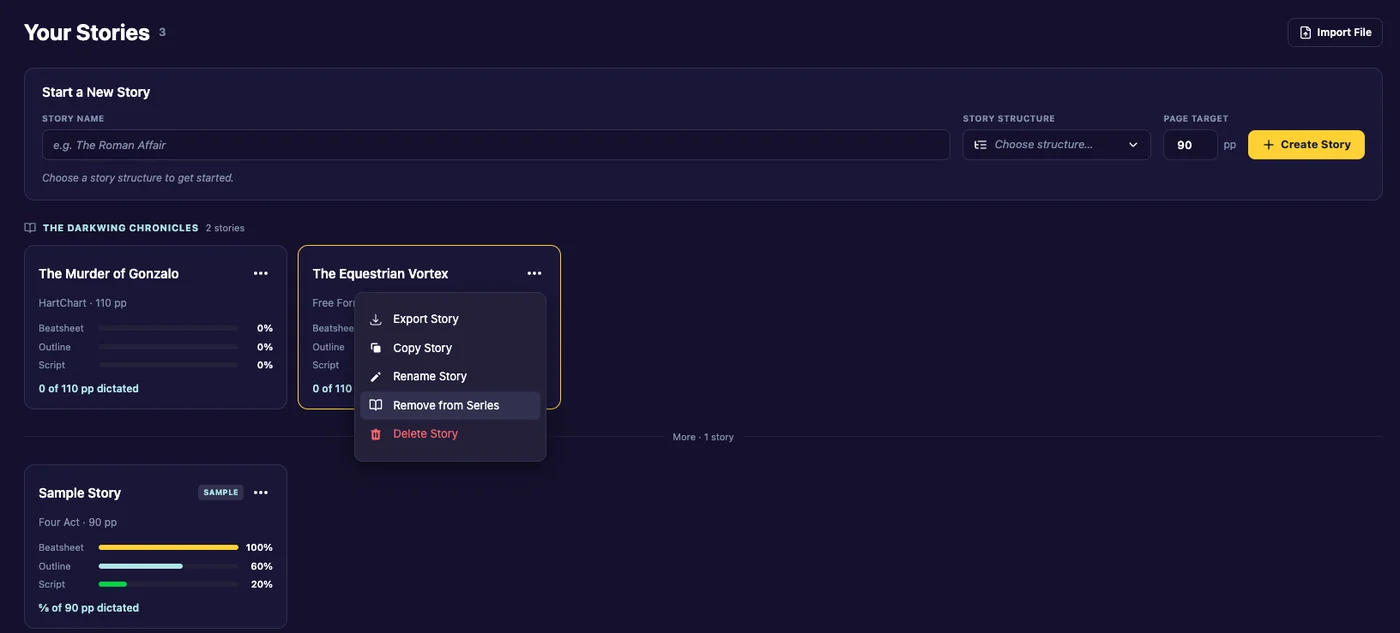
Add a story to a series
- Open Story Actions on the story (the three dots).
- Click Add to Series.
- Type a new series name, or pick one of your existing series from the list.
- Confirm. The app says “Added to series”.
Remove a story from a series
- Open Story Actions on the story.
- Click Remove from Series and confirm.
The story becomes standalone. The other stories in the series are unchanged.
On the Dashboard
Each series has its own heading with the number of stories in it. Stories that aren’t in a series follow under More.
Last updated:
Recent commits
