Free Form sections
Free Form sections
Free Form sections
With the Free Form structure, you make your own sections and name them yourself.
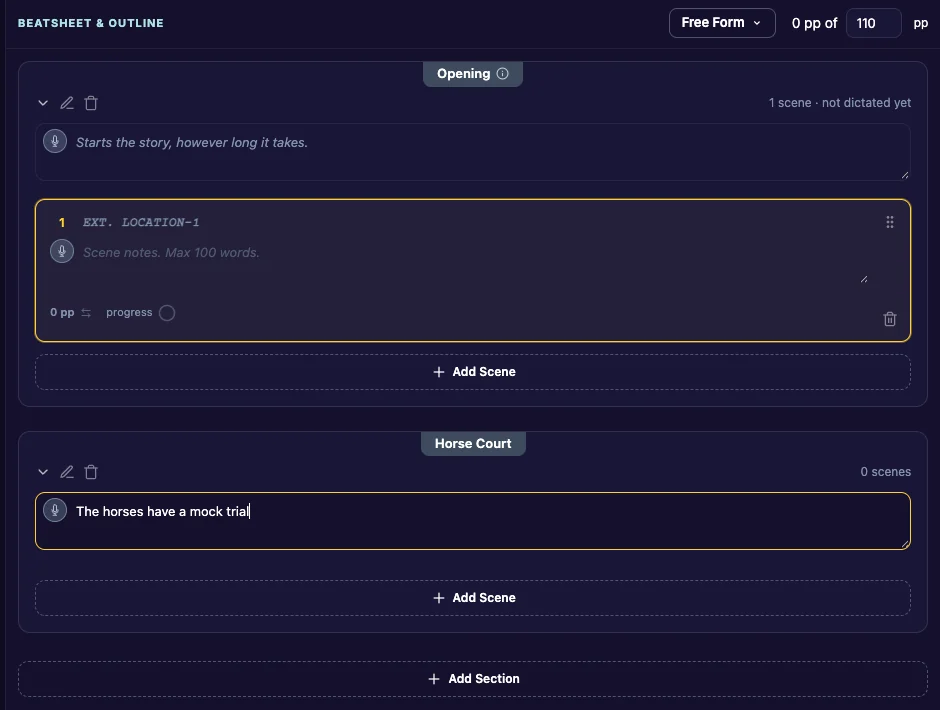
Add a section
- At the bottom of the outline, click Add Section.
- Type a name, or keep “New Section”.
- Click Add.
Rename a section
Click Rename Section (the pencil beside the section name), type a new name and click Rename.
Delete a section
Click Delete Section (the trash can beside the section name) and confirm.
- A story needs at least one section, so you can’t delete the last one.
- A section that still has scenes can’t be deleted. Move its scenes to another section or delete them first. See Scenes.
If you switch a Free Form story to another structure later, your sections and their scenes move into the new structure, in order.
Last updated:
Recent commits
