Play back a scene
Play back a scene
Play back a scene
Every scene you dictate keeps its recording, so you can listen to your performance again.
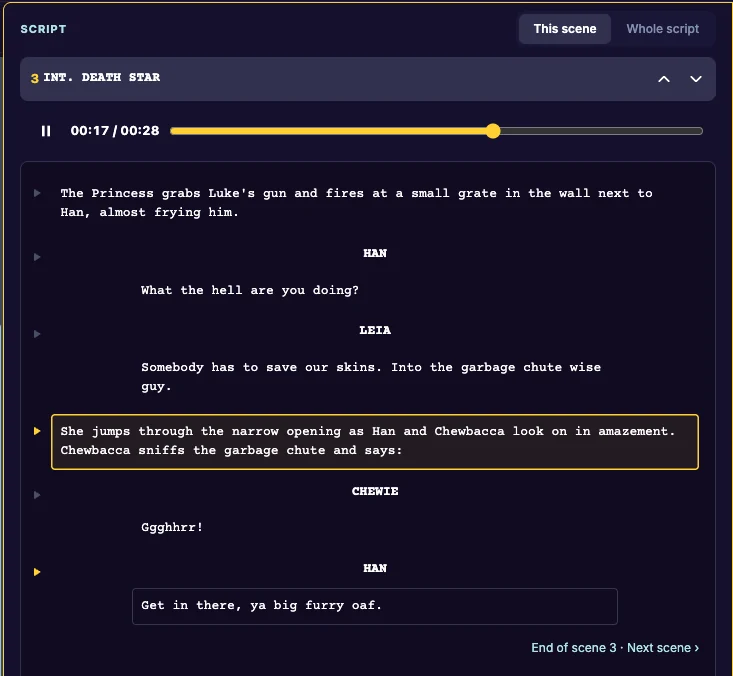
Listen to a scene
- Open the scene in Dictate.
- Under the keys there is an audio player. Click play.
- Drag along the bar to jump to another point.
Start from a line
In the Script column, each line you dictated has a small play button (Play from this line). Click it to hear the recording from that line.
In Whole script, a scene’s audio loads only when you ask for it: click Load this scene’s audio.
Last updated:
Recent commits

