Create an account and log in
Create an account and log in
Create an account and log in
Go to app.talkingdraft.com. The page has two tabs: Log in and Create account. The first time you visit, it opens on Create account; after that, on Log in.
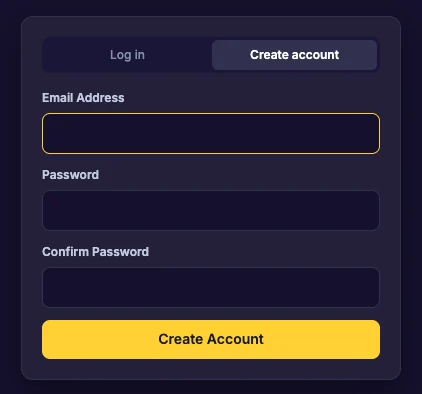
Create an account
- Click Create account.
- Enter your email address.
- Choose a password of at least 6 characters, and type it again to confirm.
- Click Create Account.
If you already have an account with that email, the page says so: choose Log in instead.
Log in
- Click Log in.
- Enter your email address and password.
- Click Log In.
Forgot your password
- On the Log in tab, enter your email address.
- Click Forgot password?.
- Check your email for a password reset link.
If you see “Too many attempts”, wait a few minutes and try again.
Next
Last updated:
Recent commits
