Talk Your Draft
Talk Your Draft
Talk Your Draft
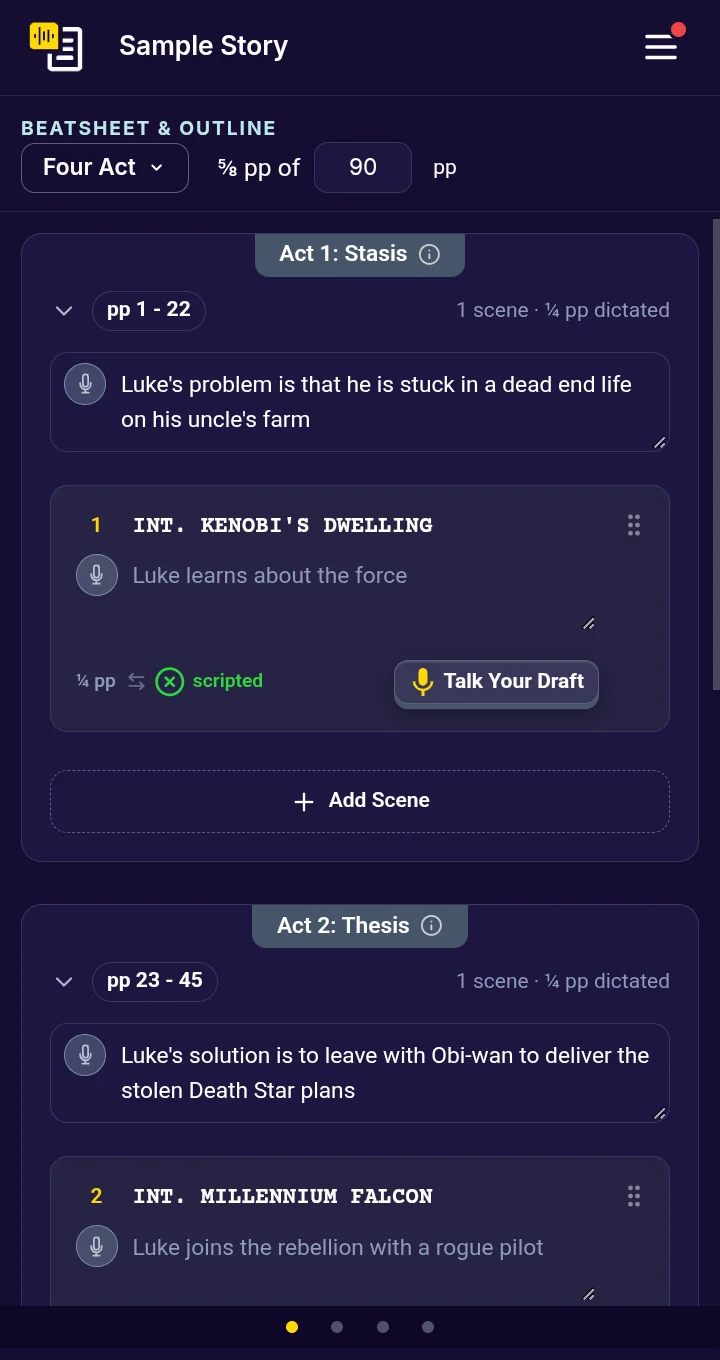
Talk Your Draft is the button on each scene card that opens the scene in Dictate, where you record it.
Open a scene
Click Talk Your Draft on the scene’s card. The scene opens in Dictate: beside the outline in the two-column view, or over it on a smaller screen.
On a phone, each scene card shows a small TalkingDraft icon instead, and the full Talk Your Draft button shows only on the scene you have selected.
Next
Last updated:
Recent commits
