Edit the transcript
Edit the transcript
Edit the transcript
Transcription is rarely perfect, and that’s fine: TalkingDraft is for fast first drafts, and the real rewriting happens later in your screenwriting app. But you can fix a word, or a line that went to the wrong character, right away.
Open the transcript
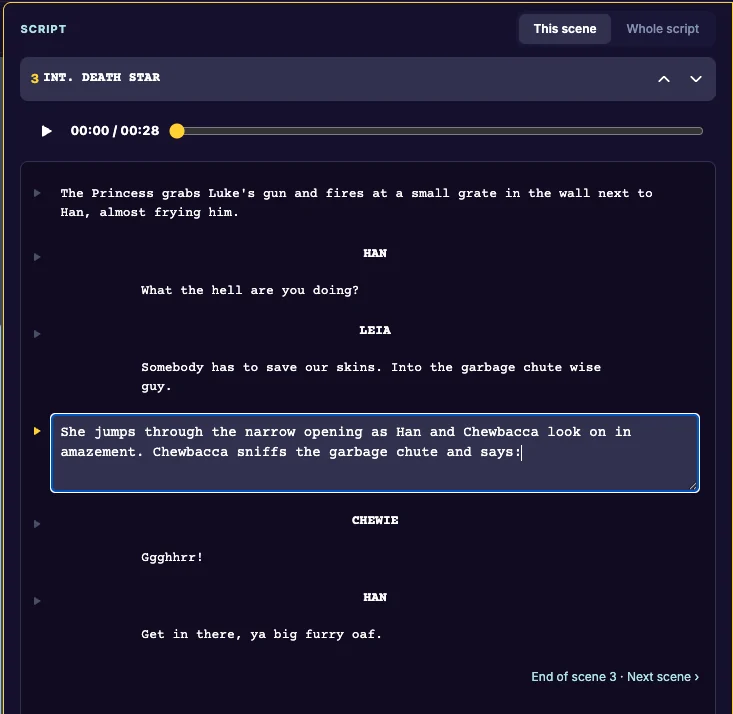
In Dictate, click Edit Transcript (or Show Transcript). The scene’s lines open in the Script column, under This scene.
Fix a line
Click any line to edit its words. Click away to save.
Fix who says it
Click the character’s name above a line and type the right name. The change applies to that run of lines.
More on the Script column: Edit lines.
Last updated:
Recent commits
