On a phone or tablet
On a phone or tablet
On a computer, TalkingDraft shows your outline and Dictate side by side. On a phone, a tablet or a narrow window, it shows one view at a time.
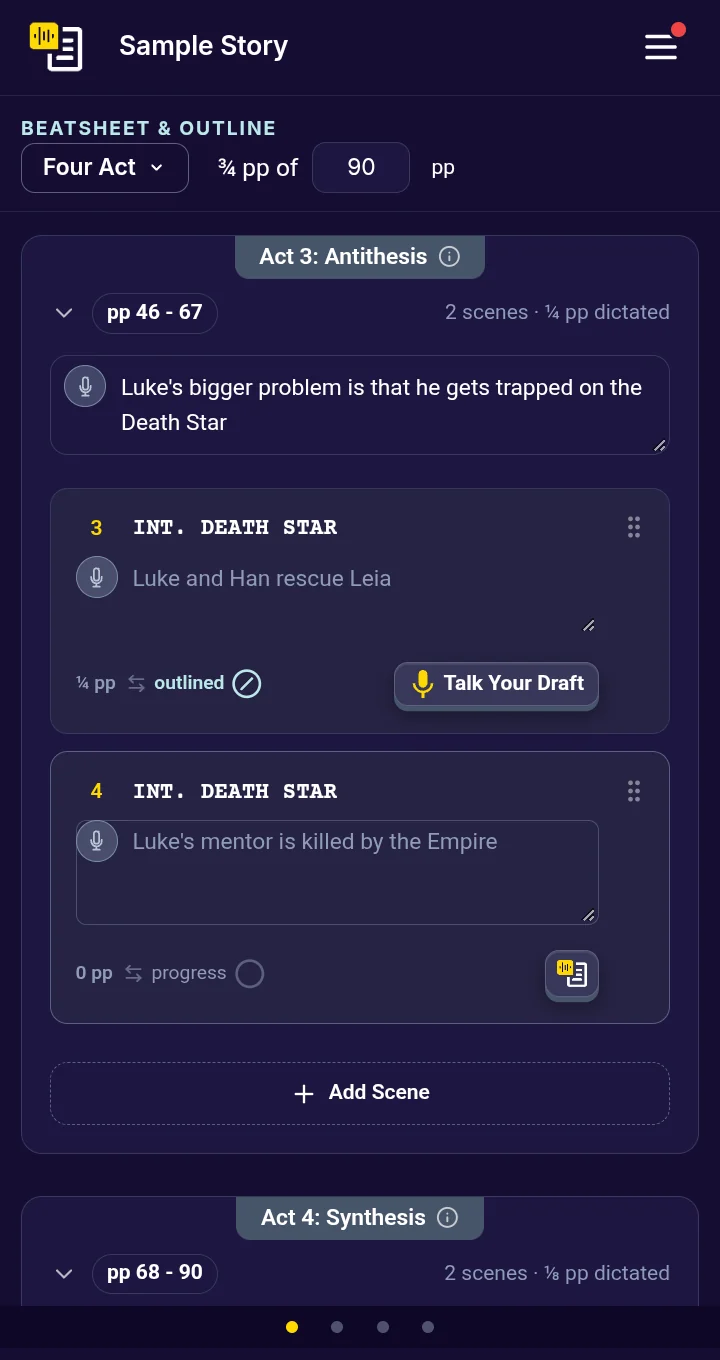
Move between views
There are four views: Outline, Dictate, Characters and Script. Swipe left or right to move between them. The row of dots at the bottom shows where you are.
Dictate on a phone
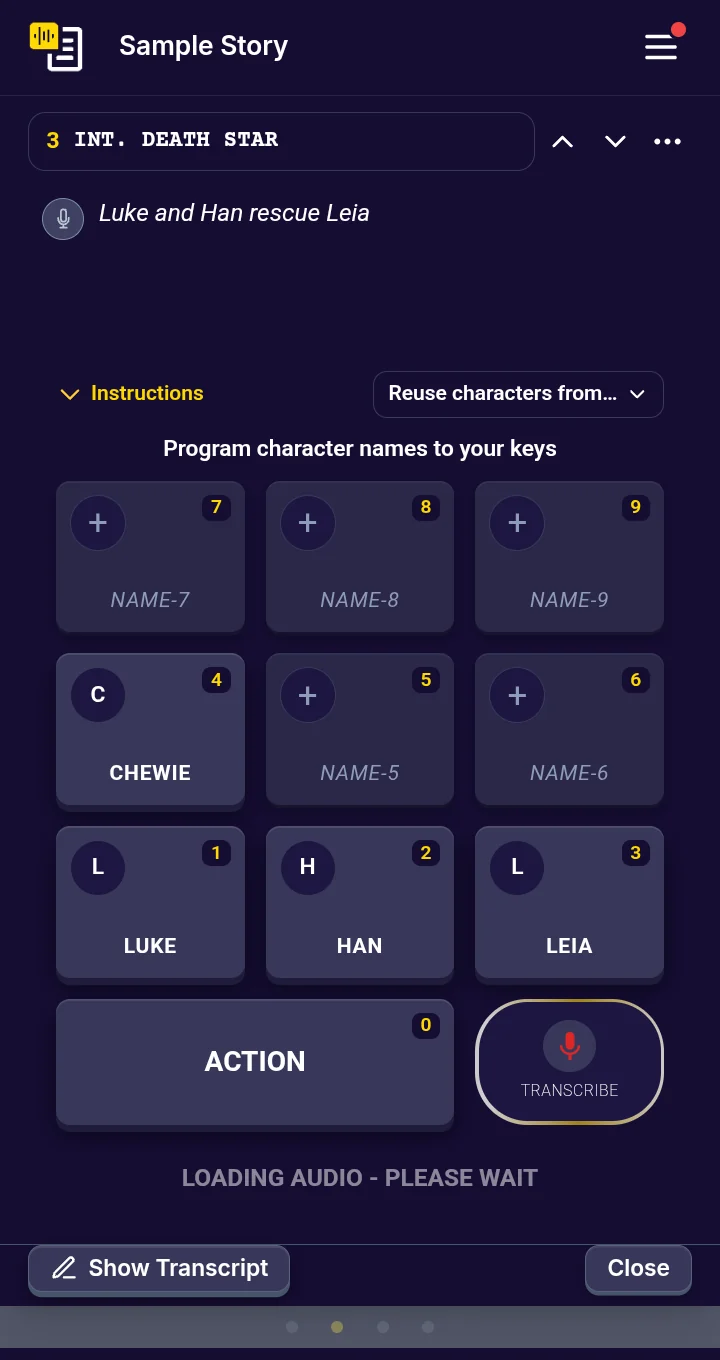
On a phone there is no keyboard to tap, so you tap the on-screen character keys instead. The keys fill the bottom of the screen; the scene notes fill the space above them. If your notes are long, the keys shrink to make room, and then the notes scroll.
To make tapping the default, open Settings and choose Phone or tablet under Keyboard Layout. See Name your keys.
The menu
Your account, Settings, Upgrades and TalkingDraft Help are in the account menu. The (?) menu has TalkingDraft Help and Take the Tour.
