Edit lines
Edit lines
Edit lines
TalkingDraft is built for a fast first draft: you’ll do your real rewriting later, in your screenwriting app (see Where you rewrite your draft). But you can fix a line in the Script column at any time.
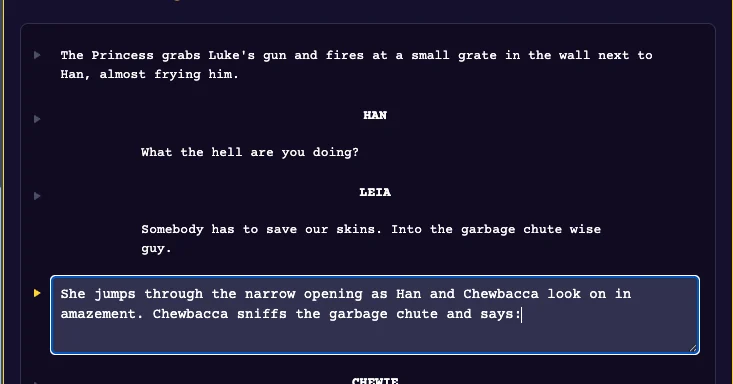
Change the words
Click any line, action or dialogue, and edit it. Click away to save. In a long line, press Ctrl+Enter to save.
Change who says it
Click the character’s name above the dialogue and type the right name. Press Enter to save. The change applies to that character’s run of lines, up to the next name.
Delete things
Deleting and reworking text happens later, in your screenwriting app, once your Talking Draft is done. We’re built to keep you in a creative flow for your fast first draft. Tip: leave yourself a note on an unused key (like NAME-9) to mark something to fix later.
Last updated:
Recent commits
