Pairings
Pairings
Pairings
Pairings shows every pair in your cast and what each character brings out in the other: who makes whom better, who sets whom off, and which relationships are quiet. It is the quickest way to find where the heat in your ensemble is.
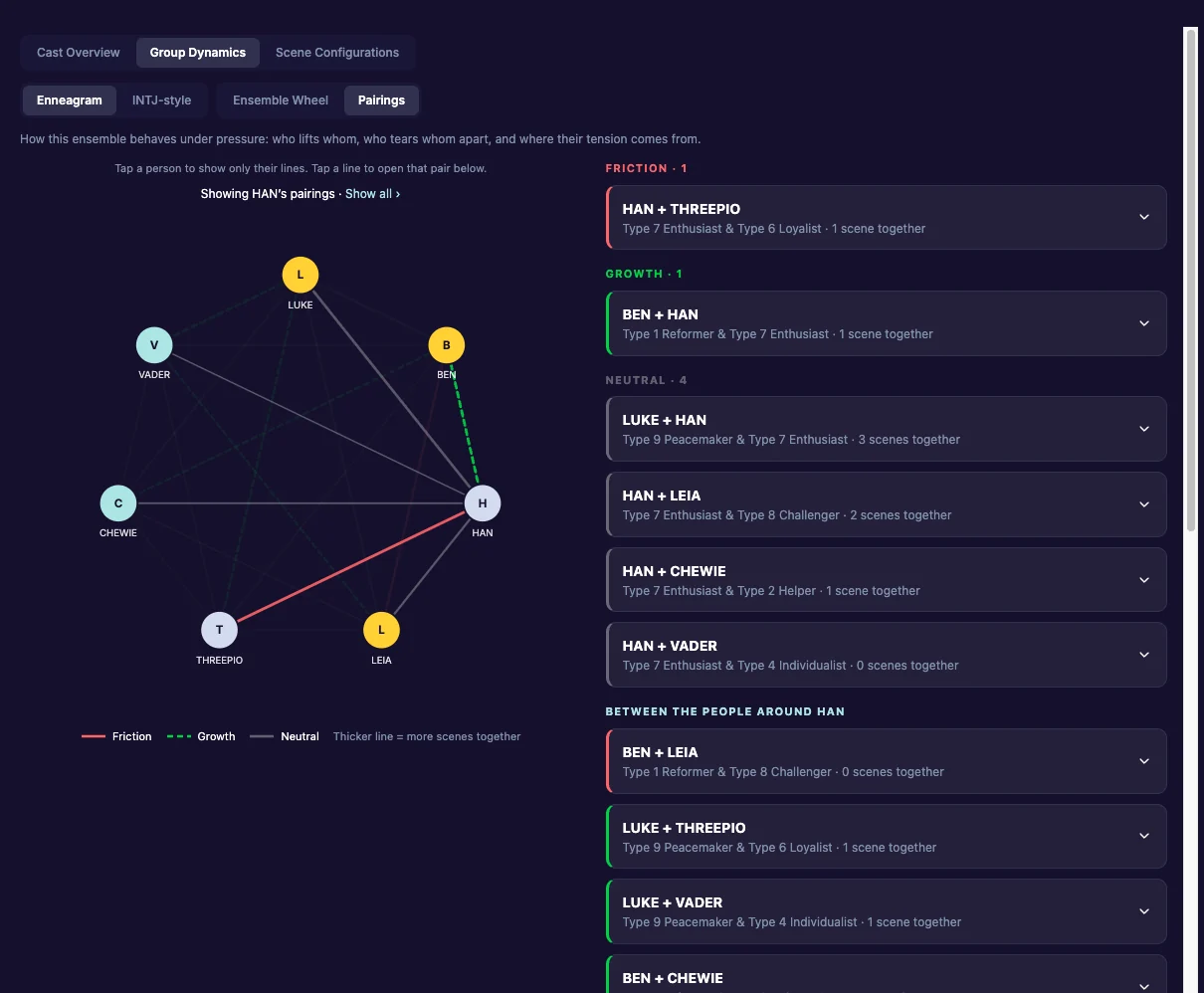
Open it
- Click Characters, then the Group Dynamics tab.
- Choose Enneagram or INTJ-style.
- Choose Pairings.
Reading the lines
Each line joins two characters. Its colour says what kind of pairing it is:
- With the Enneagram lens: Friction (red), Growth (green, dashed) or Neutral (grey).
- With the INTJ-style lens: Conflict (red), Growth and conflict (amber), Growth (green, dashed) or Same temperament (grey).
Thicker line = more scenes together. A thick red line is a relationship your story leans on that runs hot.
Focus on one character
Tap a person to show only their lines. The view then reads “Showing
Read a pair
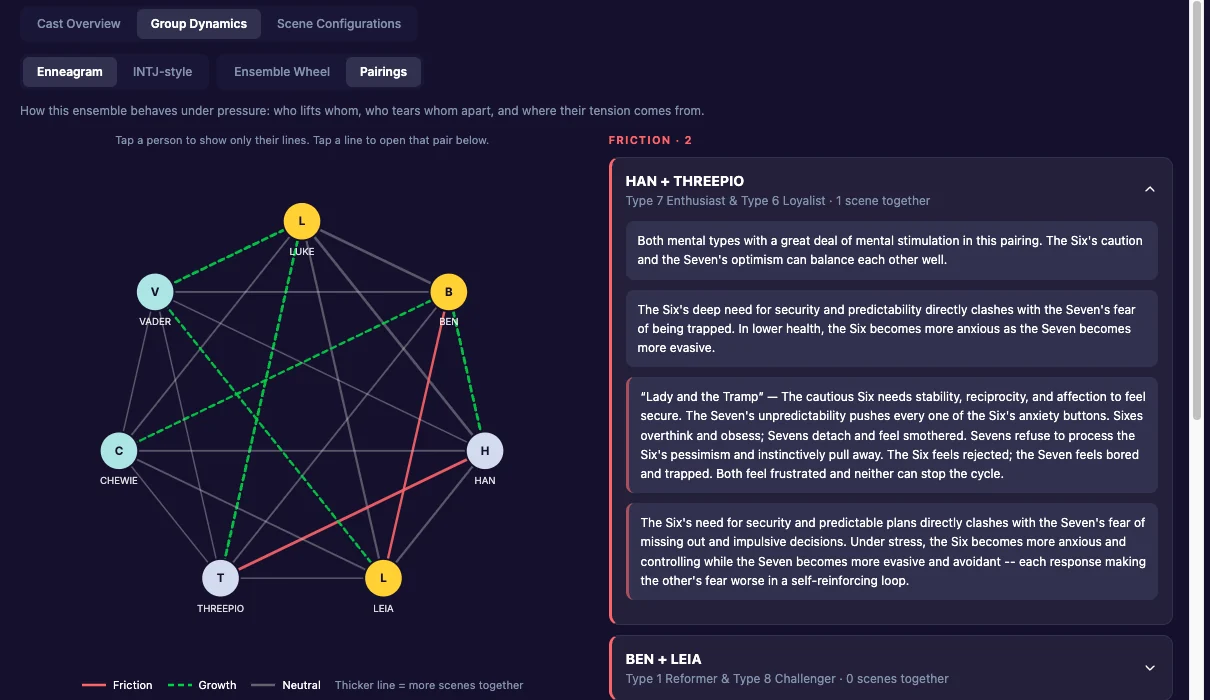
Tap a line to open that pair below the picture. The pairs are listed by kind, and each one opens to explain the relationship.
- With the Enneagram lens: what the pair brings each other, where the trouble comes from, and, for many pairs, how they act on each other under stress and a growth path for each of them.
- With the INTJ-style lens: for a conflict pairing, the conflict, the clash and the narrative stakes, with a dramatic and a comedic example. For a growth pairing, the dynamic and the growth arc. Dual and Mirror pairings are explained too.
Related
- Ensemble Wheel
- Full Profile: one character’s pairings with everyone else.
- Scene Configurations and teams: pairings within a team.
Last updated:
Recent commits
